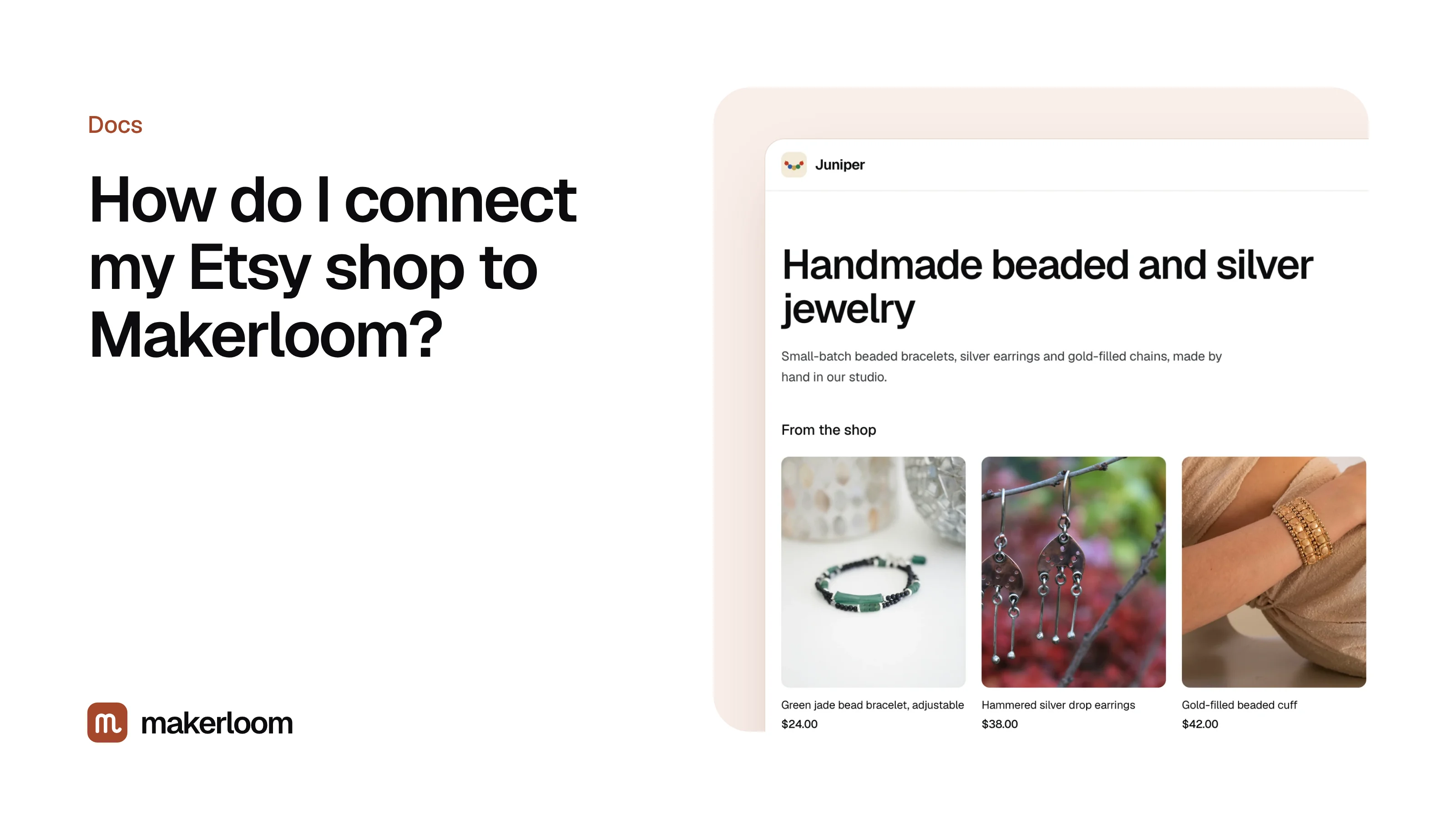
Short answer: open Products in your dashboard, click Connect shop, sign in to Etsy if asked, and approve read-only access. Your active listings come in within a minute or two, each linked to its own Etsy listing, and they stay in sync automatically from then on.
Before you start
- You need to be the owner of the Etsy shop, signed in to Etsy in the same browser.
- Only active listings are brought in. Drafts, expired and sold-out listings are left out until they're active again.
- If the button says Coming soon, use Upload your Etsy listings for now. It gives the same result, with one manual step when your listings change.
Connect, step by step
- In Makerloom, open Products.
- Under Etsy shop, click Connect shop.
- Etsy opens and shows what Makerloom is asking for: read access to your shop's listings. Click Allow access.
- You land back on Products. The section now says Connected with your shop name, and your listings appear below.
That's it. There's nothing to install on Etsy and nothing to change in your Etsy settings.
What comes in
| From Etsy | Used for |
|---|---|
| Listing title and description | Choosing topics and describing products accurately in posts |
| Photos | Product cards on your site and in posts |
| Price and currency | Shown on product cards, kept current |
| Tags and materials | Matching products to what shoppers search for |
| Listing link | Every "View on Etsy" button goes straight to the listing |
What Makerloom never sees
Etsy only gives Makerloom what you approve, and Makerloom only asks for listings. It never receives your buyers' names or addresses, your orders, your messages, your payment details or your sales figures. See Etsy access and privacy for the full list.
How syncing works
Makerloom checks your shop for changes every few hours, so new listings, price changes and new photos show up on your site within about six hours. To pull changes in straight away, click Sync next to your shop name.
Only active listings are synced, so the products on your site match what shoppers can actually buy on Etsy.
Disconnecting
Click Disconnect next to your shop name in Products. Makerloom stops syncing straight away and removes the products that came from Etsy. Published posts stay up. You can also remove Makerloom's access from Etsy's side, in your Etsy account settings under apps you've connected.
Questions
Is connecting my shop allowed by Etsy?
Yes. Makerloom uses Etsy's official API, the same way other seller tools do, and only asks for read access to listings. The term "Etsy" is a trademark of Etsy, Inc. Makerloom uses the Etsy API but is not endorsed or certified by Etsy, Inc.
Will it change anything in my Etsy shop?
No. The access is read-only. Makerloom can't edit listings, prices, ads or settings.
I have more than one Etsy shop. Can I connect both?
Each Makerloom account has one shop and one site. For a second shop, create a second Makerloom account with a different email.
My listings didn't appear. What now?
Click Sync and wait a minute. If they still don't show, check that the listings are active on Etsy. If that's fine, email hello@getmakerloom.com with your shop name and we'll look.