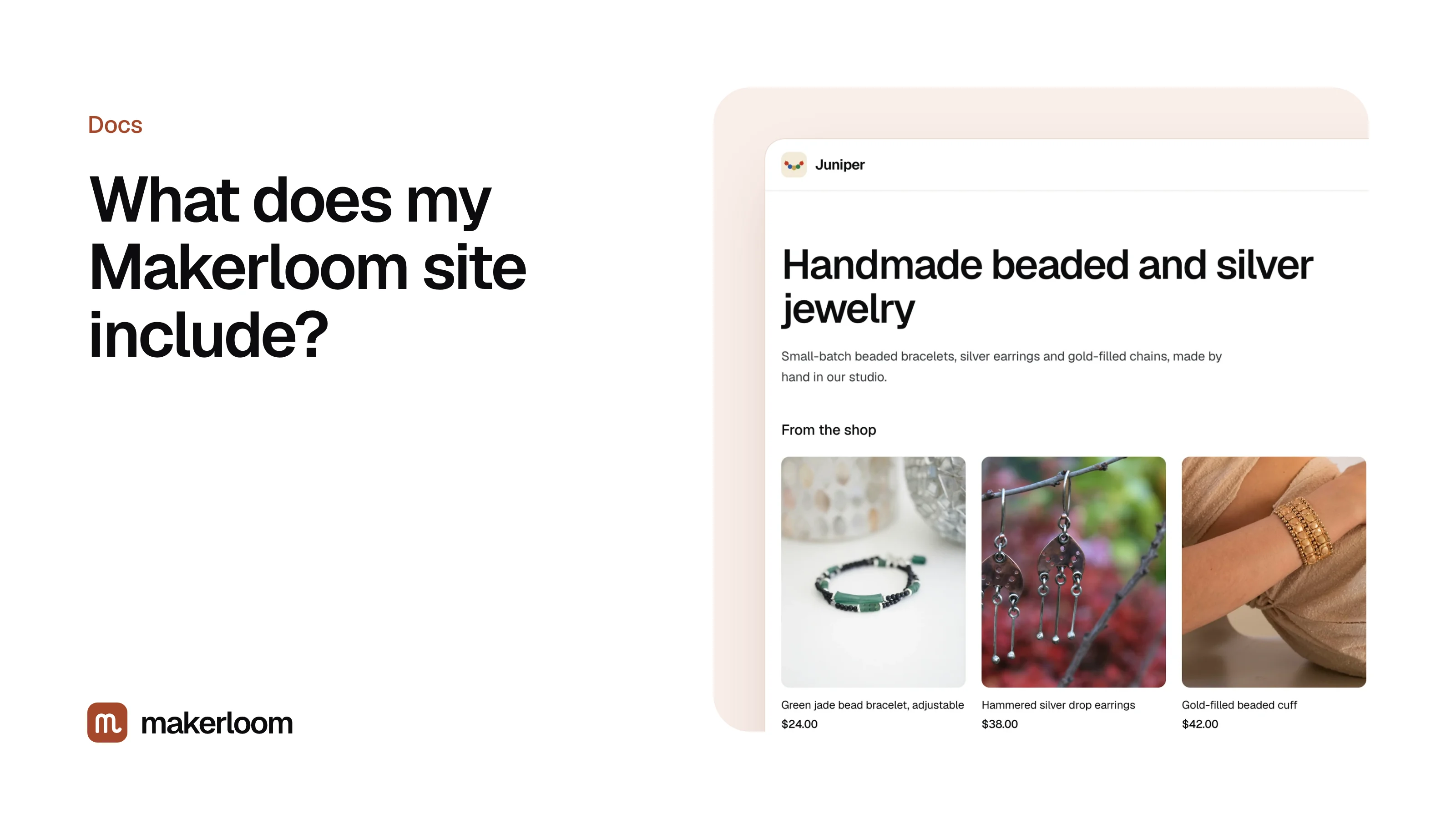
Short answer: your site has a home page, a Shop page with your products, a Journal with your posts, and a signup box on every page. Each product has a View on Etsy button that opens its listing, and the header has a Shop on Etsy button. It lives at yourshop.makerloom.site from the day you sign up, or on your own domain with Studio.
The pages
| Page | Address | What's on it |
|---|---|---|
| Home | / |
Your logo, a short line about your shop, your newest posts and a selection of products |
| Shop | /shop |
Every product you haven't hidden, with photo, title, price and View on Etsy |
| Journal | /blog |
Every published post, newest first |
| A post | /blog/your-post-title |
The post, with your products shown where they fit and questions at the end |
The site works on phones, tablets and computers, and pages load quickly because they're simple and served from a global network.
Making it look like your shop
In Settings:
- Logo: upload a square or wide logo. It appears in the header of every page.
- Shop name and headline: the name in your header and the line at the top of your home page.
- About your work: a few sentences about what you make and how. It's shown on the home page and helps Makerloom choose topics.
- Accent color: used for buttons like Shop on Etsy, so the site matches your Etsy banner and packaging.
Each post can also have its own cover photo, which you can upload or change in the post editor.
How shoppers get from your site to Etsy
Every product card has a View on Etsy button that opens that exact listing in a new tab. Inside posts, product cards sit next to the paragraph that mentions them, so a reader deciding between two pieces can click straight through. Makerloom counts each of those clicks so you can see which posts send people to Etsy. See Traffic and AI visits.
How search engines find it
Your site publishes a sitemap listing every page and post, and a robots file that points search engines to it. Each post includes the structured information Google and Bing read: title, summary, date, product names and prices, and the questions and answers at the end. AI assistants that search the web, such as ChatGPT search and Perplexity, read the same pages.
Search engines decide how fast to show a new site. Publishing helpful posts steadily is the most reliable way to speed that up. See How do I get my Etsy shop on Google?.
The signup box
Each page has a short form asking visitors to join your list for new pieces and stories. When someone signs up, they appear under Subscribers with the post they joined from. See Subscribers.
What visitors don't see
- No ads, and no Makerloom banner across the top.
- No cookie banner, because the site doesn't set tracking cookies. Visits are counted without cookies or IP addresses.
- No checkout. Buying happens on Etsy, so your reviews, Purchase Protection and shipping settings all apply as usual.
Questions
Can I change my site address?
The makerloom.site address comes from your shop name when you sign up. To move to your own address, see Use your own domain.
Can I add my own pages, like About or Contact?
Not yet. The home page shows your about text, and your Etsy shop already has policies and a contact button. Tell us what you'd add at hello@getmakerloom.com.
Does the site show Etsy's logo?
No. It's your site, with your name and logo. Buttons say "View on Etsy" so shoppers know where they're going.